 Casino
  Promos
  Sign Up
  Search
 Discover
  Slots
Slots  Jackpot
  All Games
 Spinshark Casino App for Android and iOS Devices
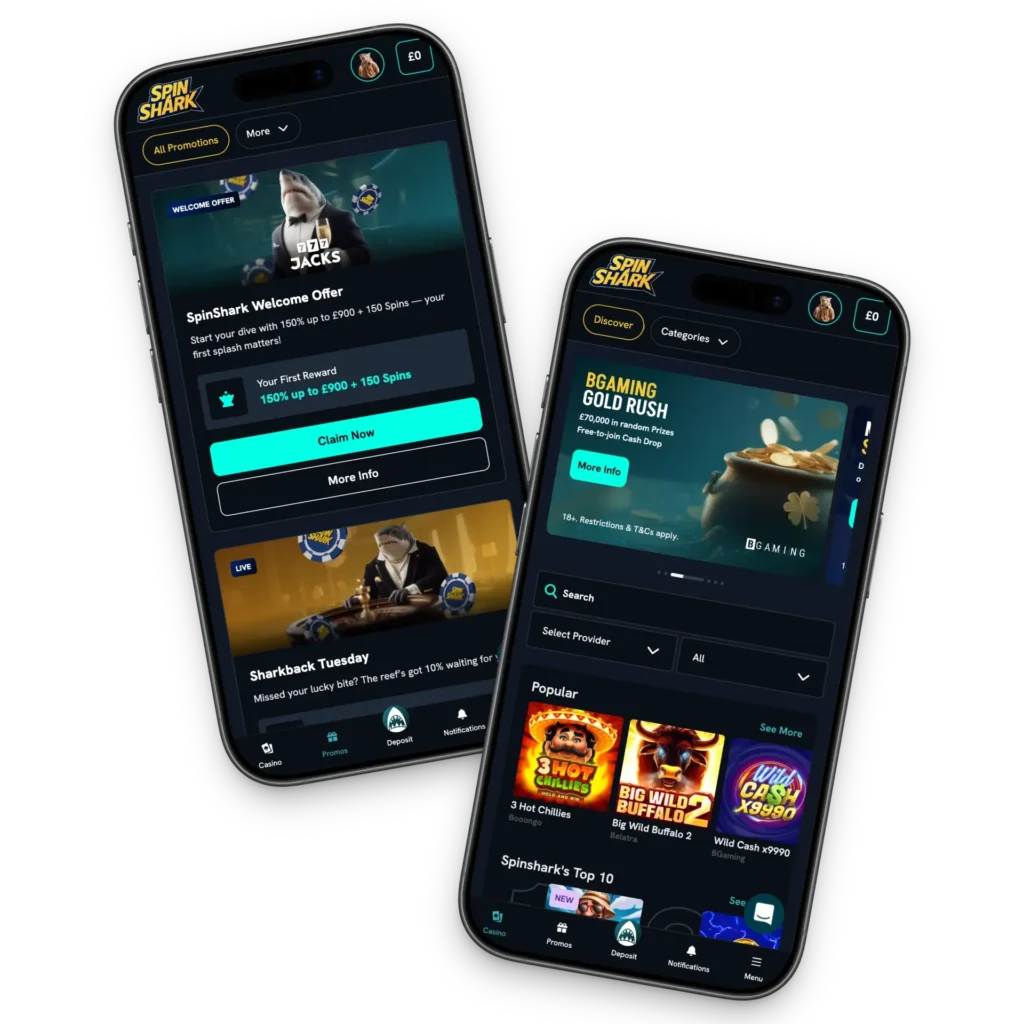
UK residents can download the Spin Shark Casino app to play games, claim bonuses and participate in tournaments and conveniently join the loyalty program. The software is a web-based application, commonly referred to as a Progressive Website Application (PWA). You can download it from our official casino site instead of the App Store or the Play Store. The software is optimised for mobile devices, with functions responsive to touch control.
You can expect data safety through SSL encryption. Players can add security to the Spinshark app with biometrics, PIN, Pattern and password.
How to Use and Install on Android and iOS in 2026
The Spin Shark Casino application mirrors the desktop version, allowing users to sign up, log in, deposit, withdraw, play and access all the other features. Here is how to install it on your device:
- Open our casino site: Open the official site on your Chrome or Safari browser.
- Get the download prompt: Tap the three-dot menu on your URL on your Chrome browser to access the Add to Home Screen command. iOS users can get the same by tapping the “Share” button.
- Download: Tap the “Install” button on the pop-up that appears when you tap the Add to Home Screen.
- Open the Spinshark mobile app: Find the software on your home screen and tap to open.
Devices Compatible with Spinshark App
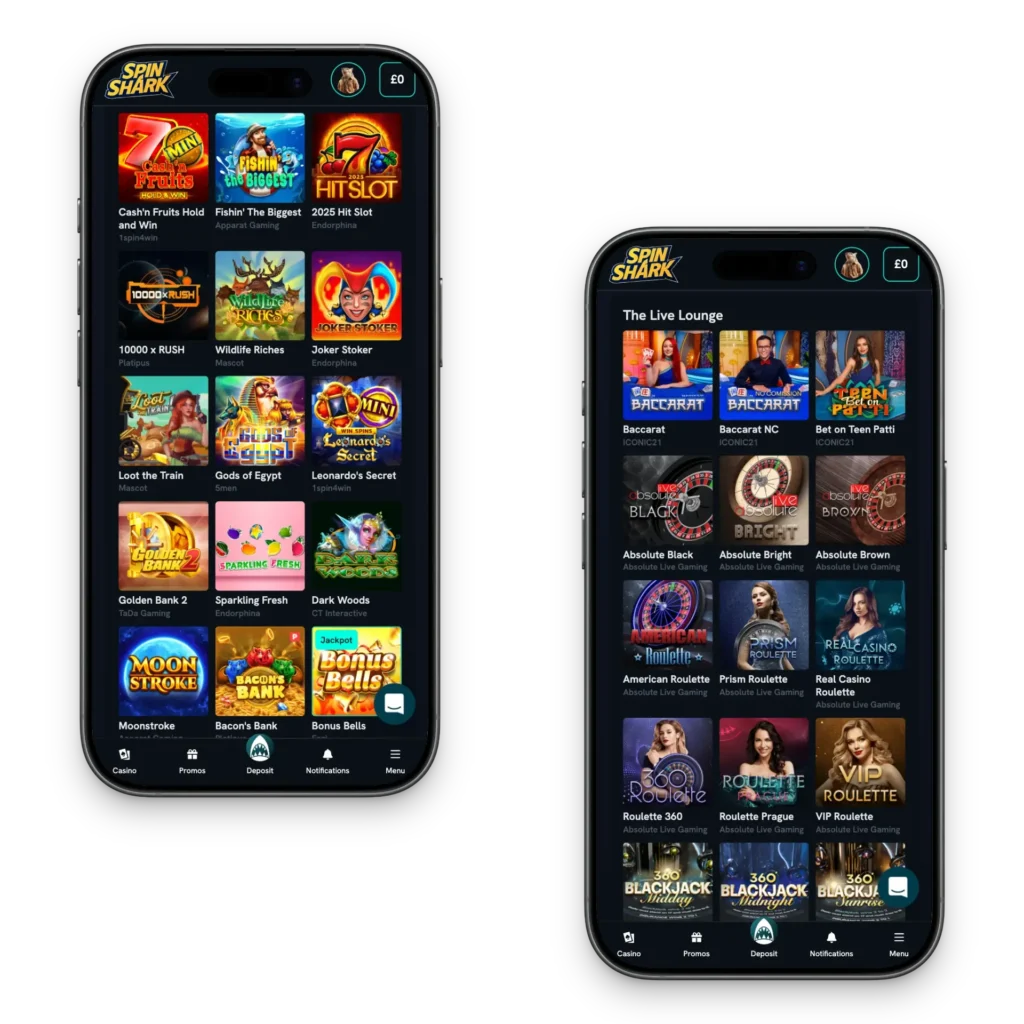
Our platform is compatible with mobile and desktop devices. These include:
- Mobile: Players can use Android and IOS smartphones. Examples of supported mobile phones include iPhone 13, iPhone 17 or iPhones with iOS 11+. Supported Android phones include Samsung Galaxy S21, Google Pixel 10 PRO XL, Motorola Razr 60 Ultra and POCO F8 PRO.
- Tablet and iPad: You can download the Casino Spinshark mobile app on your Android tablet or iPad. Examples of compatible devices include Samsung Galaxy Tab A11Xiaomi Pad 7 and Amazon Fire HD 10. Supported iPads include iPad Pro and iPad Air.
- Desktop: You can skip the Spin Shark app download and play directly on your desktop browser.
System Requirements for Software
Your device needs to have specific system requirements for the Casino Spinshark app to perform without issues. These include:
- Operating system: The software is compatible with iOS 11- 26.3.1 and Android 8 – 16.
- RAM: The platform works without issues like lag in devices with a RAM of 4GB+.
- Internet connectivity: You require 4G, 5G or high speed wifi to support live dealer games streaming and prevent gameplay delays.
- Processor: Your device requires a 64-bit multicore processor for the Spinshark Casino app to run without issues.
Casino Spinshark App Interface
The platform’s interface features a dark background, white font and turquoise icons. It has a human-shark moniker, while the logo takes the form of a fish. Players will find navigation intuitive.
You can use the sidebar menu to access the casino, promotions and other pages with one tap. The Casino Spinshark mobile app has a mobile-first design. The layout is thumb-friendly, with action buttons such as “Deposit” and “Spin” placed within easy reach of the bottom of the screen. You can scroll up, down and left to right to access more titles or view more features. Players will find the “See All” button helpful, as it allows users to load more games.
You can switch between pages with one tap. Icons are labelled and responsive to touch. You can use the search bar to find games or use the provider filter feature to load games from a specific developer. You can find helpful information, including user terms and privacy policies, at the footer of the Spin Shark Casino app.
Mobile Games
You can play slots, digital table games and live dealer titles on the Spinshark mobile app. Here is a guide:
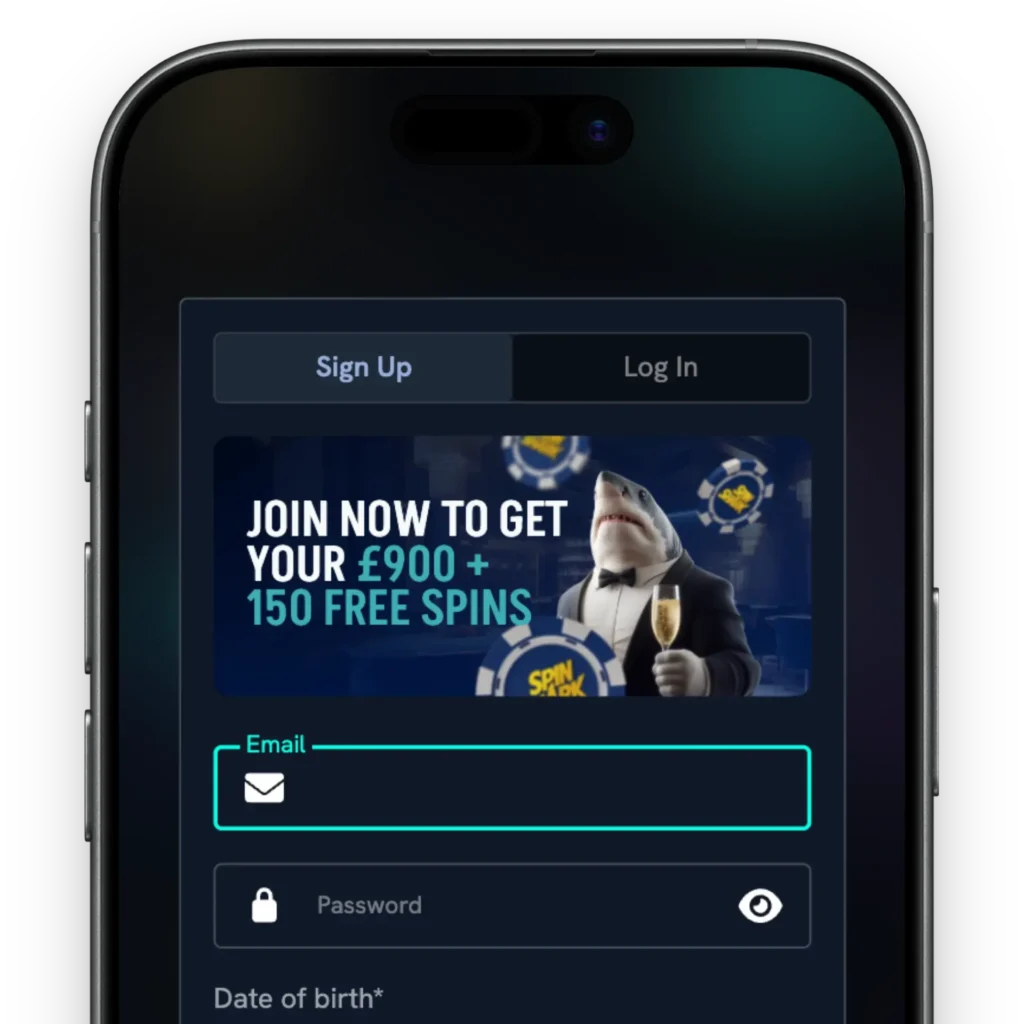
- Sign up or Login: You need a player account to play titles in demo mode or for real money. Create your account or use your login credentials to enter your account.
- Find games: Scan through the website to find your preferred genre and pick a game.
- Read the rules: Look at the title interface to find different functions, read the rules and master the paytable. You can practice in demo mode.
- Deposit money: Add funds using Apple Pay, Google Pay or any other supported method on the Spinshark Casino application.
- Bet: Set your bet using the +/- buttons.
- Play: Tap the Spin or Play button.
Features of Spin Shark Mobile App
Our mobile software comes with valuable features that make it fully functional, eliminating the need to move to a desktop to access other features. Here are some of the features:
- Game variety: The Spinshark app has 5,000 games, including classic and video slots, megaways, jackpot and Hold and Win. You can also stream live titles in HD in real time and play digital table games.
- Responsible gaming tools: Users can set personal deposit and bet limits, track their history and take a break using the self-exclusion tool.
- Secure payments: We have integrated safe payment methods such as Visa, Bitcoin, Litecoin and ecoPayz into the Spinshark mobile app to ensure fast deposits and withdrawals.
Security and Data Protection
UK residents with the Spinshark Casino app on their devices can expect data safety through the 128-bit SSL encryption. The technology ensures your data is protected when submitting your registration and login forms. We keep your data in secure servers protected by firewalls.
We don’t share your information with third parties or use your information irresponsibly. Instead, we are guided by privacy policies that you can always review before signing up. Another way that we ensure security and data protection is by using secure payment gateways. This ensures transactions on the Casino Spin Shark app are safe.
2026 Bonuses for Casino Spinshark Mobile App Players
Mobile users can claim the welcome bonus of 150% up to GBP 900 plus 150 FS. We also have other promotions, including:
- Fin-tastik Monday: This is a reload offer that you can claim on Mondays. It is 50% up to GBP 250 with a minimum deposit of GBP 30.
- Sharkback Tuesday: This is a 10% cashback on live dealer games. Play selected live dealer titles on the Spinshark app on Tuesdays to get 10% back on your losses. You will receive funds on Wednesday.
- Reefmate Thursdays: The offer allows users to choose free spins, a cash prize or a combo of both.
- The Bubbly Friday: On Fridays, you can get 60 FS for every GBP 30 deposit you make. You can claim the reward multiple times during the day.
- Weekend Bite: Another gift you can claim on your Casino Spinshark app is 88% up to GBP 88 on Saturdays and Sundays.
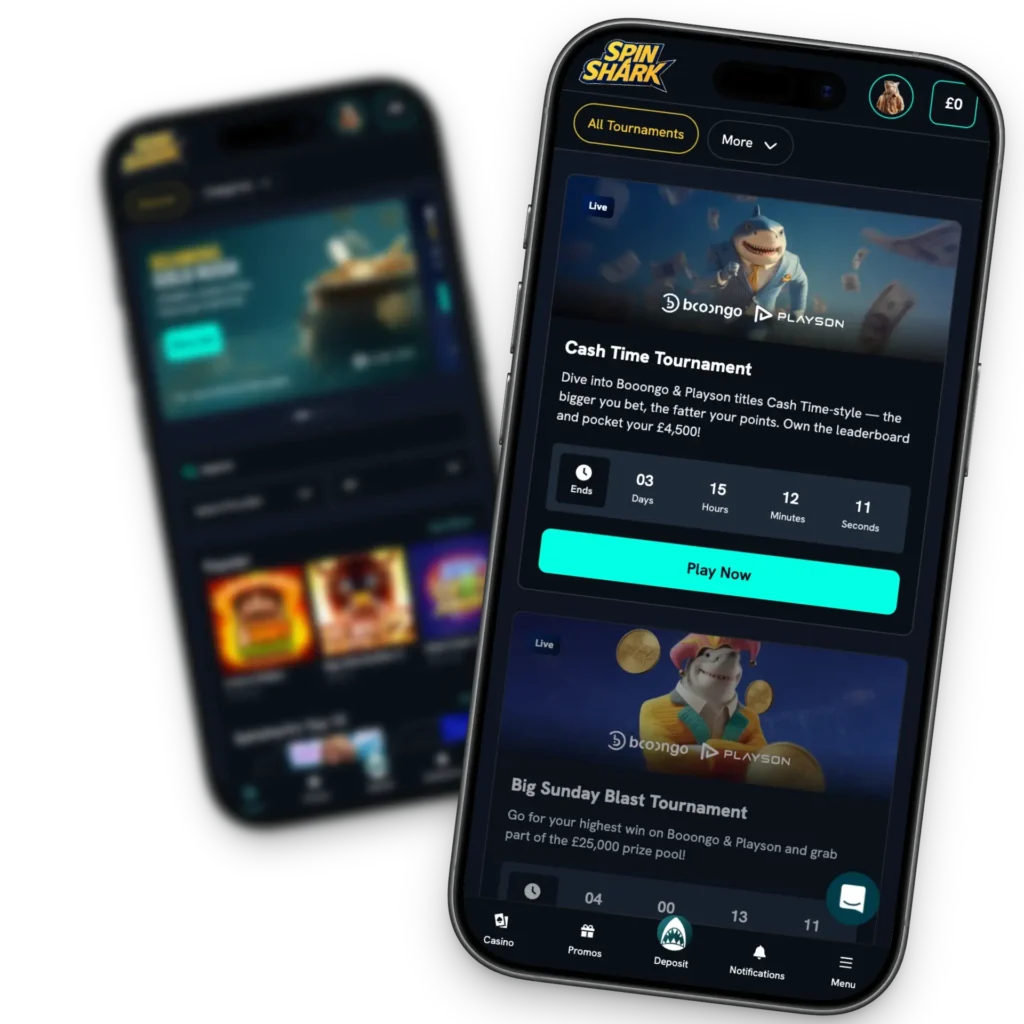
- Tournaments and loyalty program: You can participate in seasonal and provider tournaments to win bonus funds, cash prizes and free spins. We also have a loyalty program with custom rewards.
Pros and Cons
Here is a breakdown of the advantages and disadvantages of using the Spinshark mobile app:
| Pros | Cons |
| UK residents can play 5,000+ mobile-optimised games on their phones and tablets. | There is no native software. |
| Users can access customer support via live chat, email or use the FAQ page. | You cannot play while offline. |
| The Spin Shark Casino application is safe to use because it uses SSL encryption, firewalls, advanced technology and complies with international gambling regulations. | |
| Players can use responsible gaming tools like bet and deposit limits and self-exclusion. | |
| Users can manage their accounts on the application, including uploading KYC verification documents. | |
| You can deposit and withdraw. |


